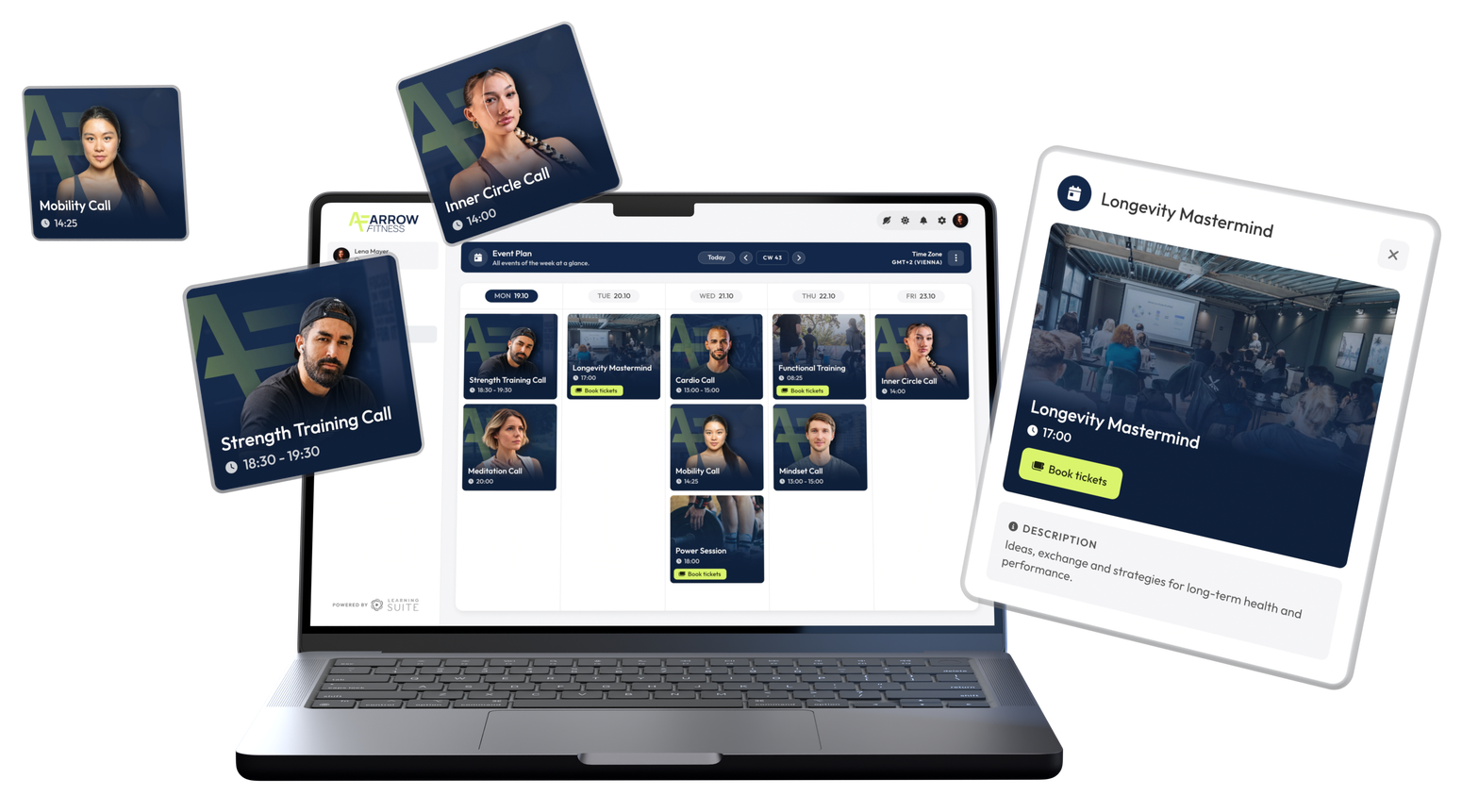
The Event Calendar is the weekly calendar for your calls, coaching sessions, and events, built right into your platform.
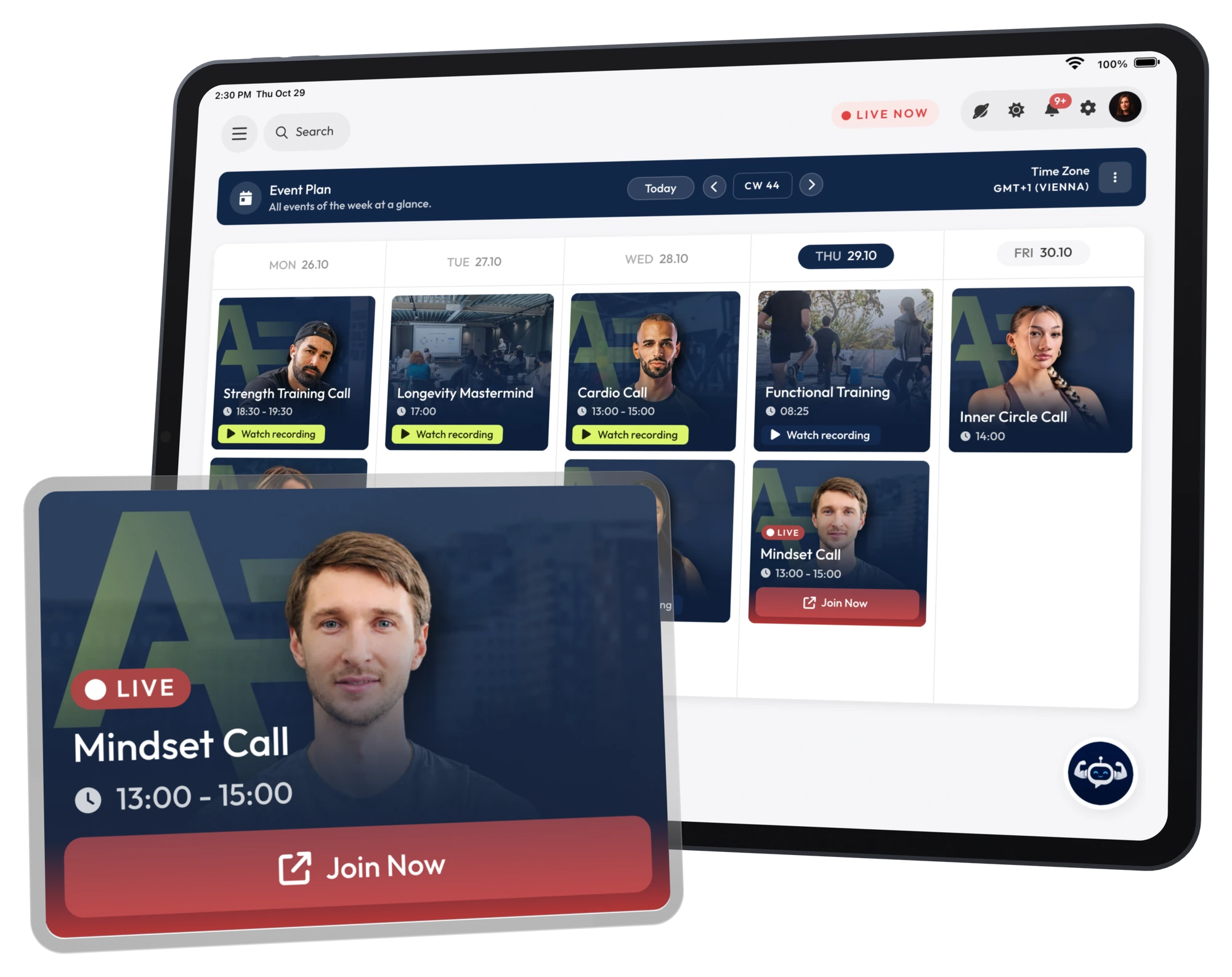
One view of every event your members have access to.
Prep materials before, the meeting link during, the recording after.
By push and email, in good time before it starts.
See how to set up sessions once, control who sees which calls, and reliably get your members to every live session.
The Event Calendar is a weekly calendar built right into your platform. You create your calls, coaching sessions, and Q&As once, and they repeat automatically. Your members see only the sessions included in their access, and get reminders by push and email. You plan once, your members simply show up.
Your members get exactly one place for all live sessions. No searching, no asking around.
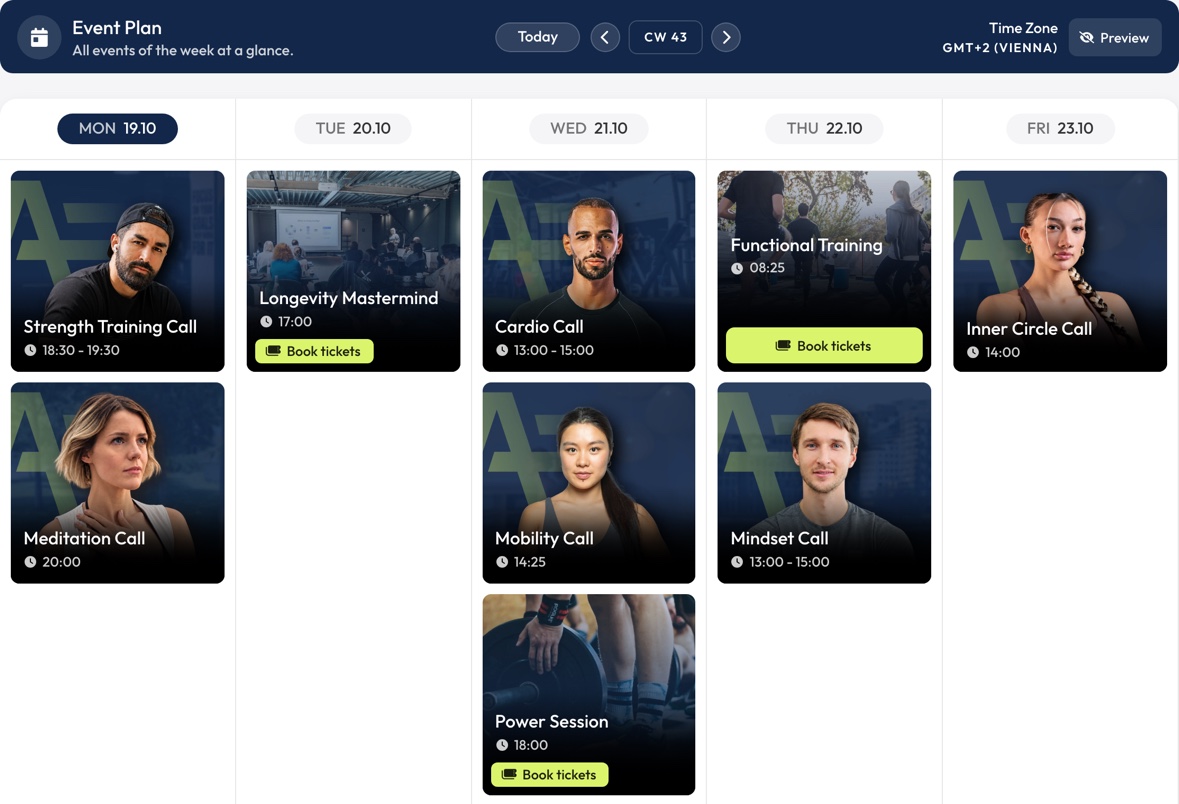
One view of every call, coaching session, and Q&A your members have access to. No more searching, no more missed sessions.
Prep materials before, the meeting link during, the recording after. Your members just click.
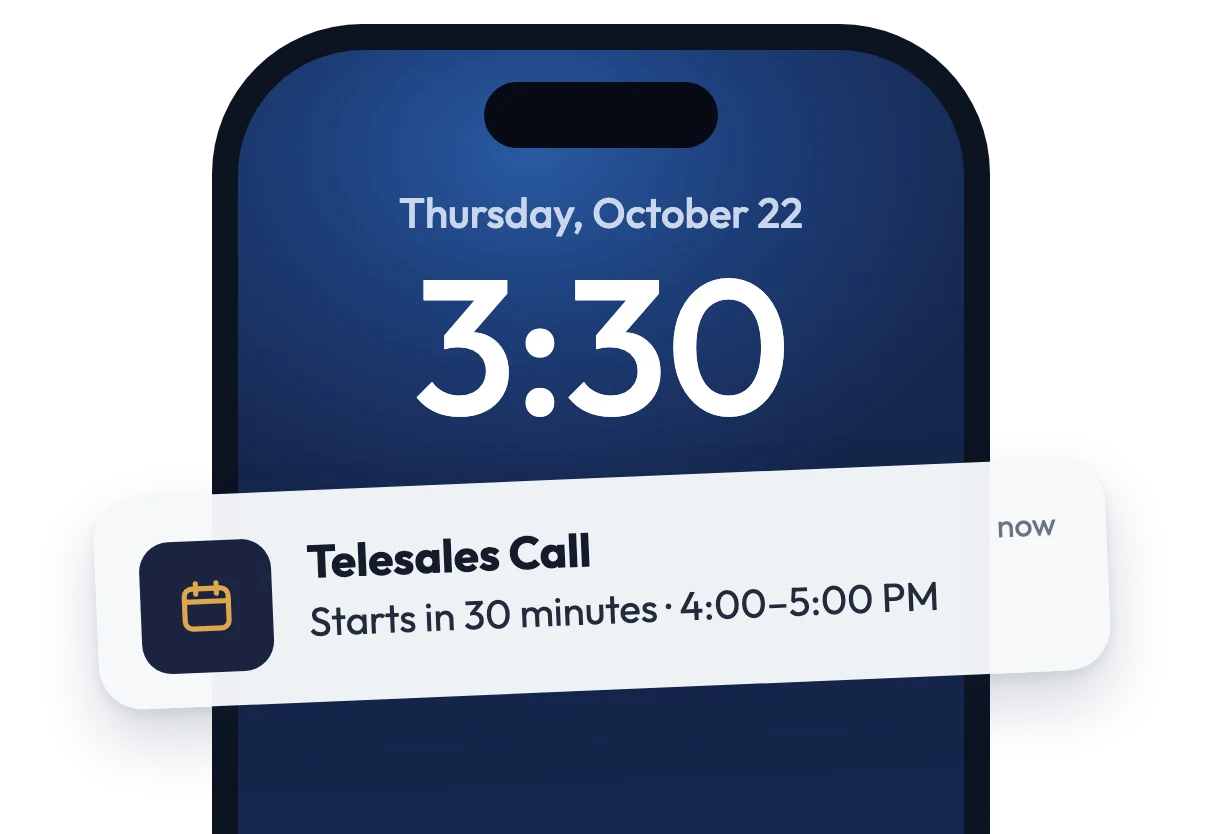
By push and email, in good time before it starts. So more members actually show up.
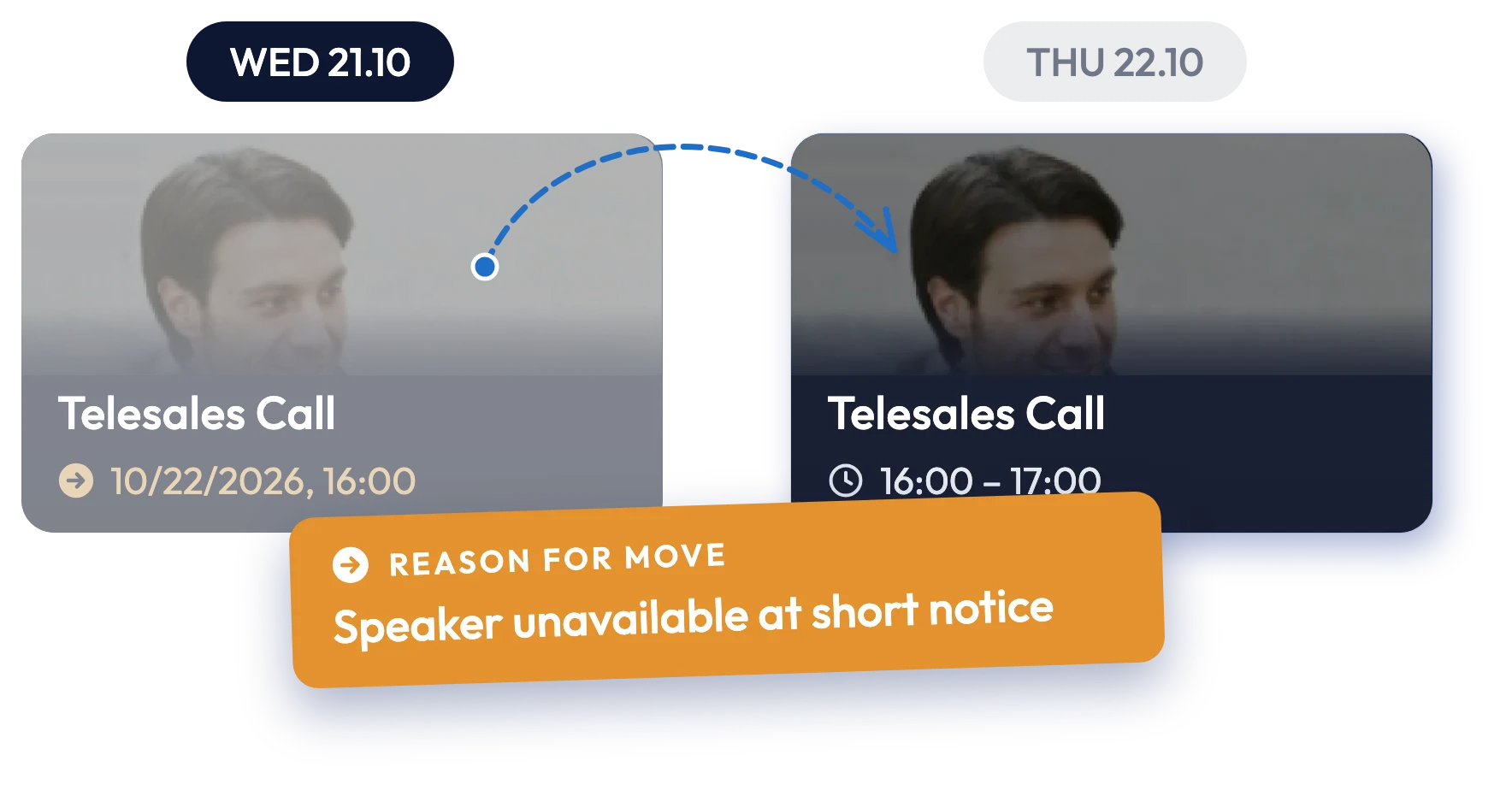
Rescheduled or canceled sessions are clearly marked, including the reason. Everyone affected gets notified.
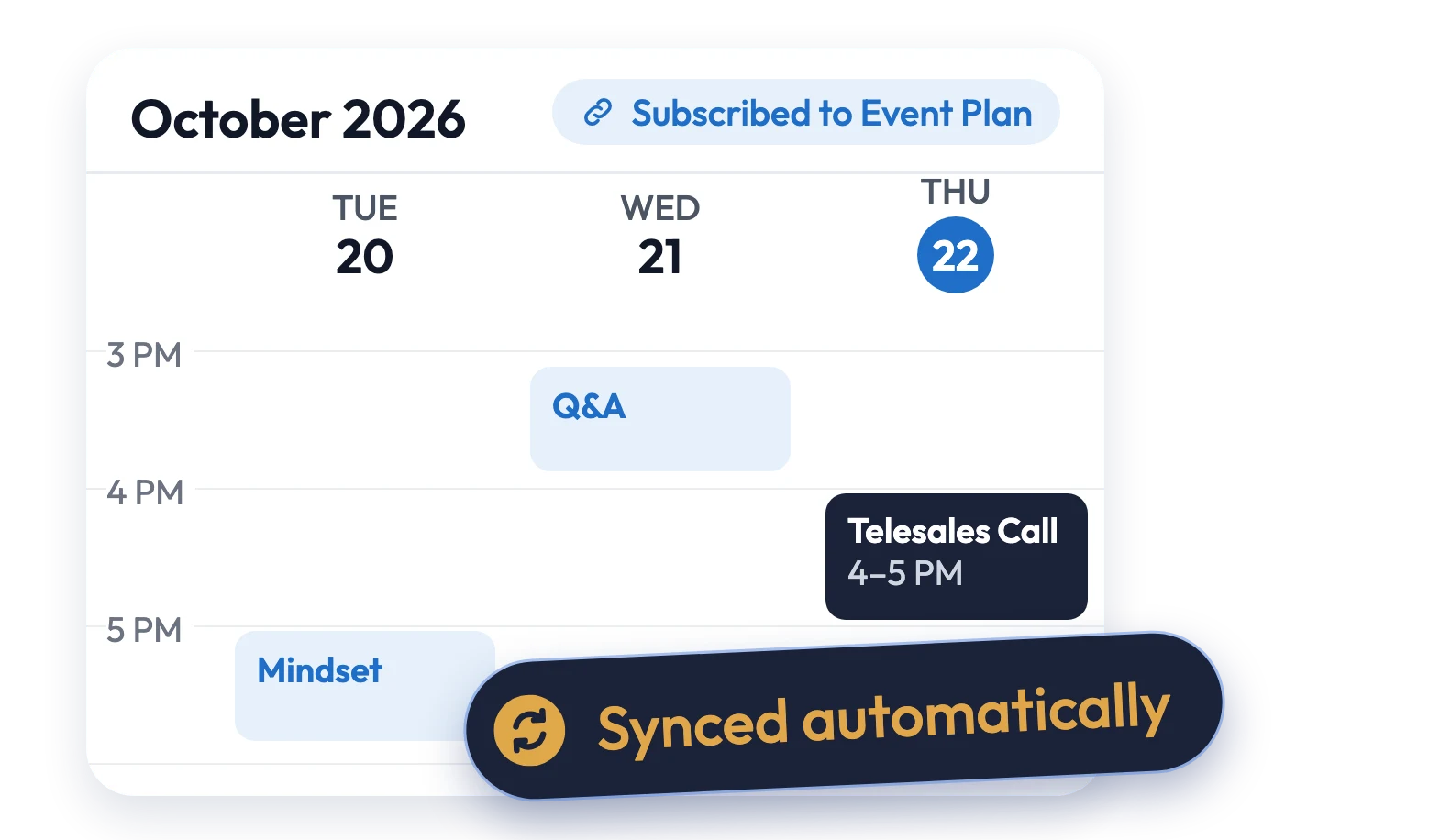
Members subscribe in Google, Outlook, or Apple Calendar. Changes sync automatically.
Sessions run once, weekly, or every two weeks, with a start date and an optional end date. Set up your Tuesday Q&A once, not every single week.
Just as easy for your members. Once they subscribe in Google, Outlook, or Apple Calendar, every session in the series shows up in their own calendar automatically.
Holiday, sick day, or guest speaker? Move, edit, or cancel a single session without touching the series. Title, description, link, image, and reminder can all be adjusted per session.
Everyone stays in the loop. Rescheduled or canceled sessions are clearly marked, including the reason. Everyone affected gets notified.
Assign sessions to people, groups, or products. Anyone who buys a product automatically sees the matching calls for as long as their access is active.
Hand off the planning. With the “Event Calendar Manager” role, coaches or your assistant manage the sessions themselves, without access to anything else.
Your own image per session, colors, button labels, and icons. Plus accent color, weekends, and how far ahead and back members can scroll. The calendar feels like part of your platform, not a third-party tool.
Images always look right. Set a focal point to choose which part of your image stays in view, on every card and every device.
For each session, you see who joined live and who opened the prep or the recording. The comparison with the previous session shows right away whether a format is growing or slipping.
Connect your tools. Use the API to create, update, and analyze sessions right from your existing workflows.
In a personal demo call, we'll show you what the Event Calendar looks like on your platform and how to set up your formats.