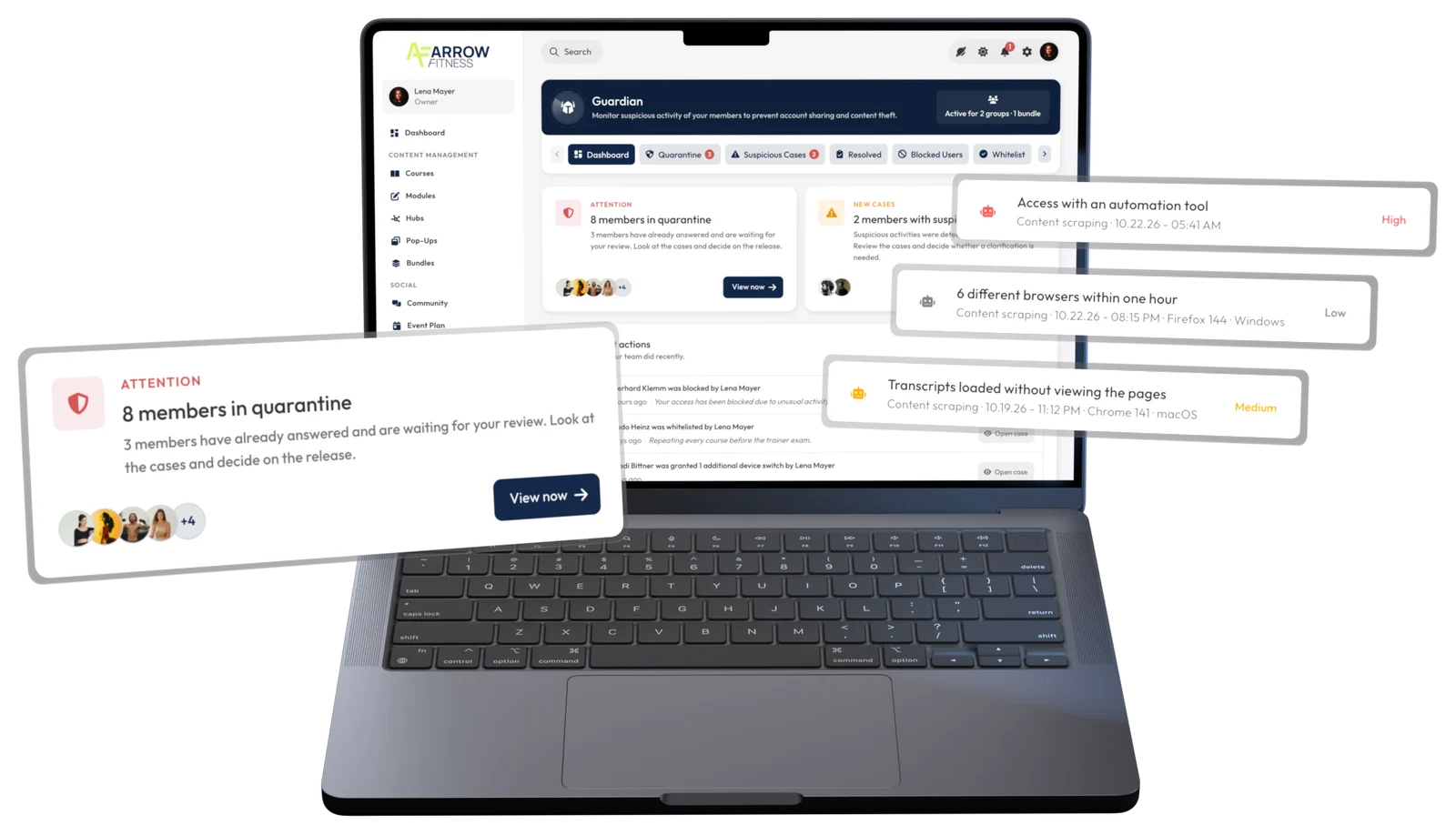
The Guardian detects shared accounts and content theft. You stay in control.
Shared accounts, scraping, AI agents, and video downloads.
Case by case: log it, report it, ask first, or block.
It asks first and fully exempts trusted members.
The Guardian detects shared accounts, scraping scripts, AI agents, and video downloads, opens a case with all the evidence, and responds exactly the way you've set it up.
The Guardian is built right into LearningSuite and protects your content from account sharing and content theft. When it finds shared accounts, scraping scripts, AI agents, or video downloads, it opens a case with all the evidence and responds according to your rules. It's included in every Premium package at no extra cost.
A bot moves through a course differently than a person does. That's exactly what the Guardian picks up on.
Opening a huge number of pages in a short time, or pulling transcripts without ever playing the video, gets flagged. Nobody learns like that.
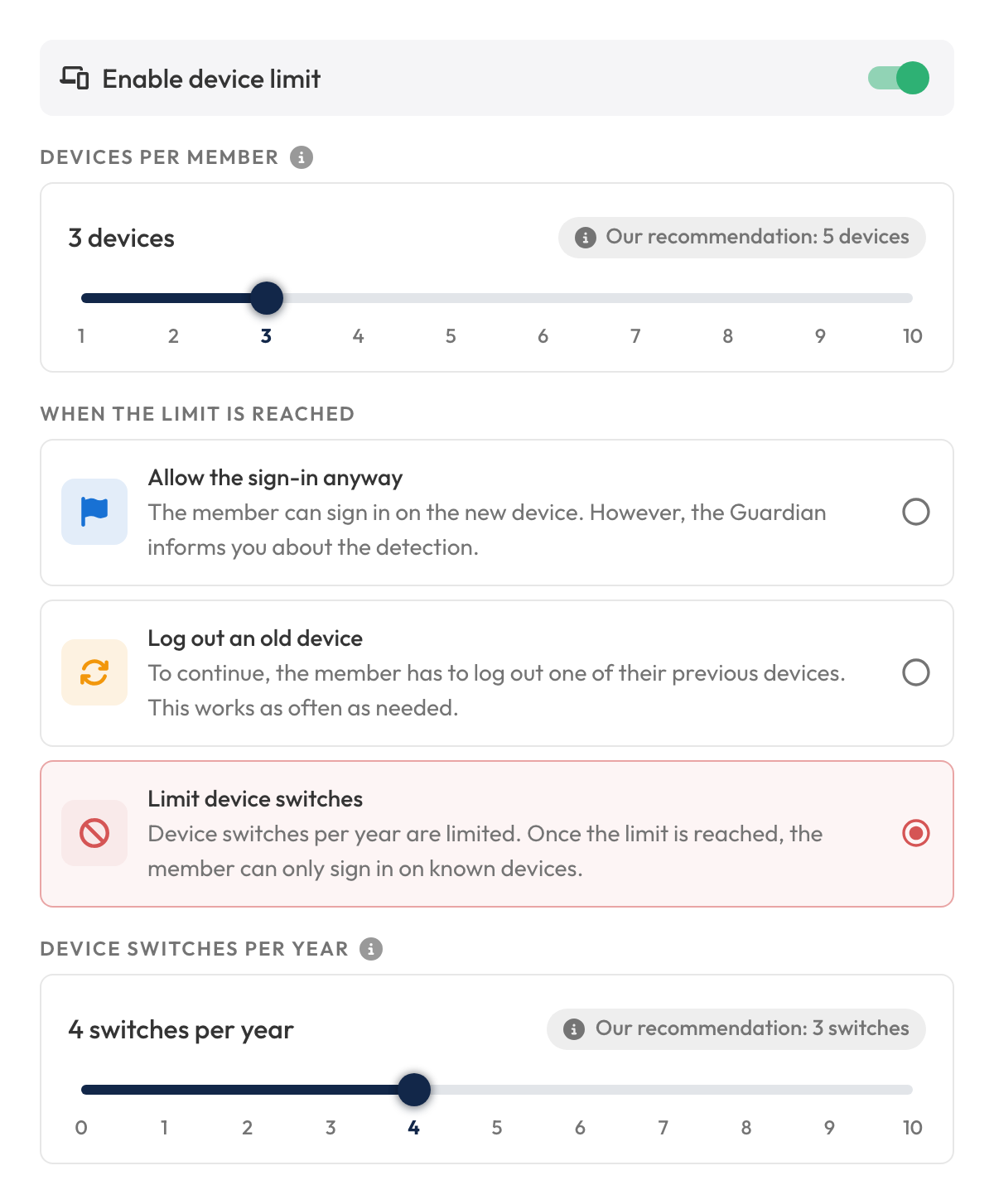
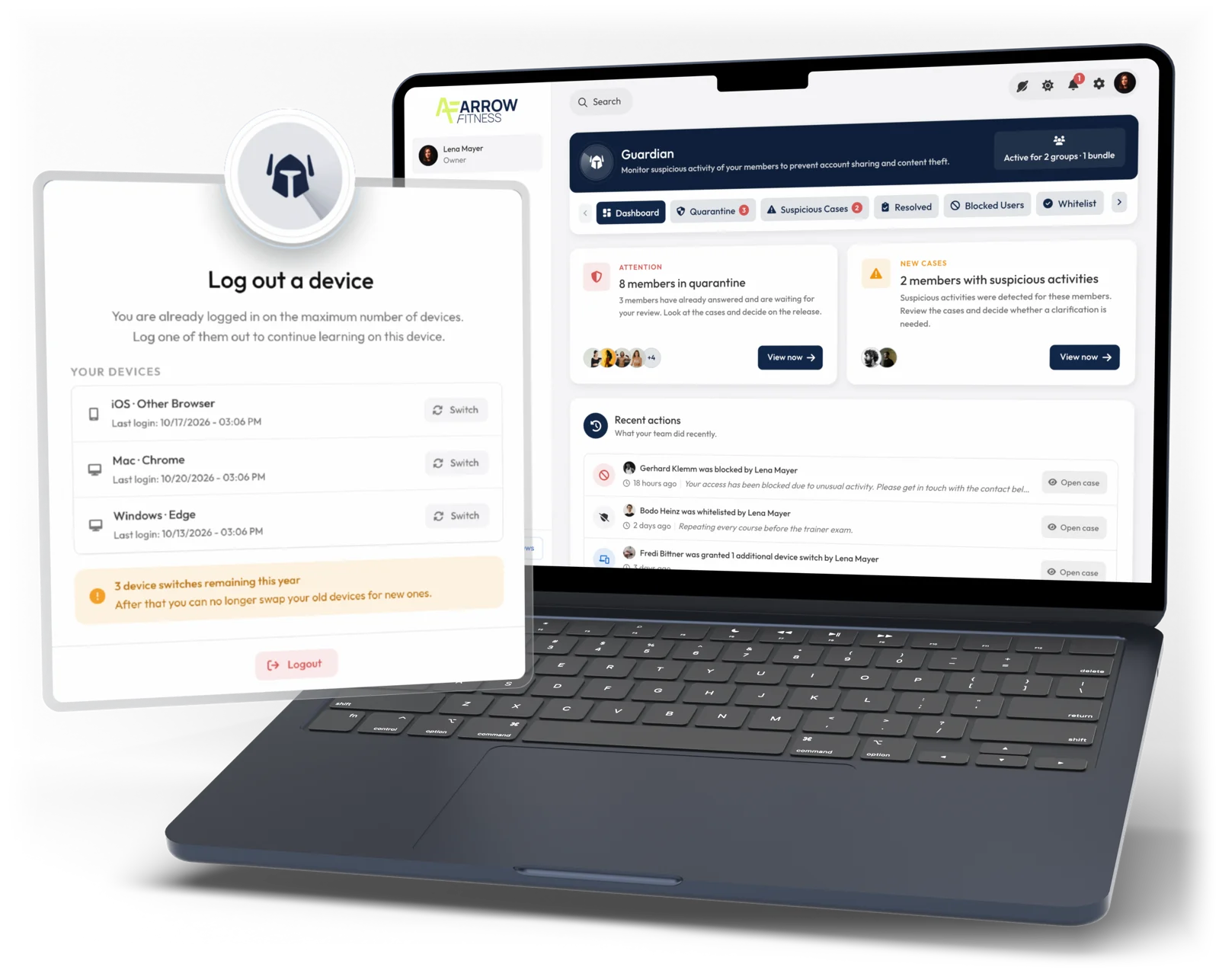
You decide how many devices an account can run on. Nothing works better against shared accounts.
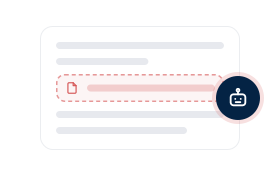
The Guardian sets invisible bait. People never see it, but AI agents click on it.
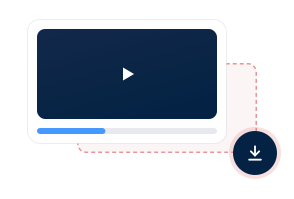
If a browser extension pulls your videos, the Guardian sounds the alarm.
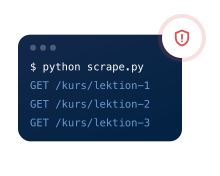
The Guardian detects automated access from tools like Python, curl, or Puppeteer and raises the alarm immediately.
For each severity level, you pick one of four responses. The Guardian handles the rest automatically.
it's only logged.
the case lands on your desk.
the member has to explain.
permanently or temporarily.
You see which rule was triggered, with which tool, and from which device, plus a risk score from 0 to 10. So your decisions rest on evidence.
Three severity levels. Every anomaly is rated by severity and collected in that member's case.
Your decision takes effect within seconds, even in the middle of an active session.
It walks you step by step through the device limit, responses, and contact person.
Protect all members or only specific groups and bundles.
In observation mode, you see anomalies without the Guardian stepping in.
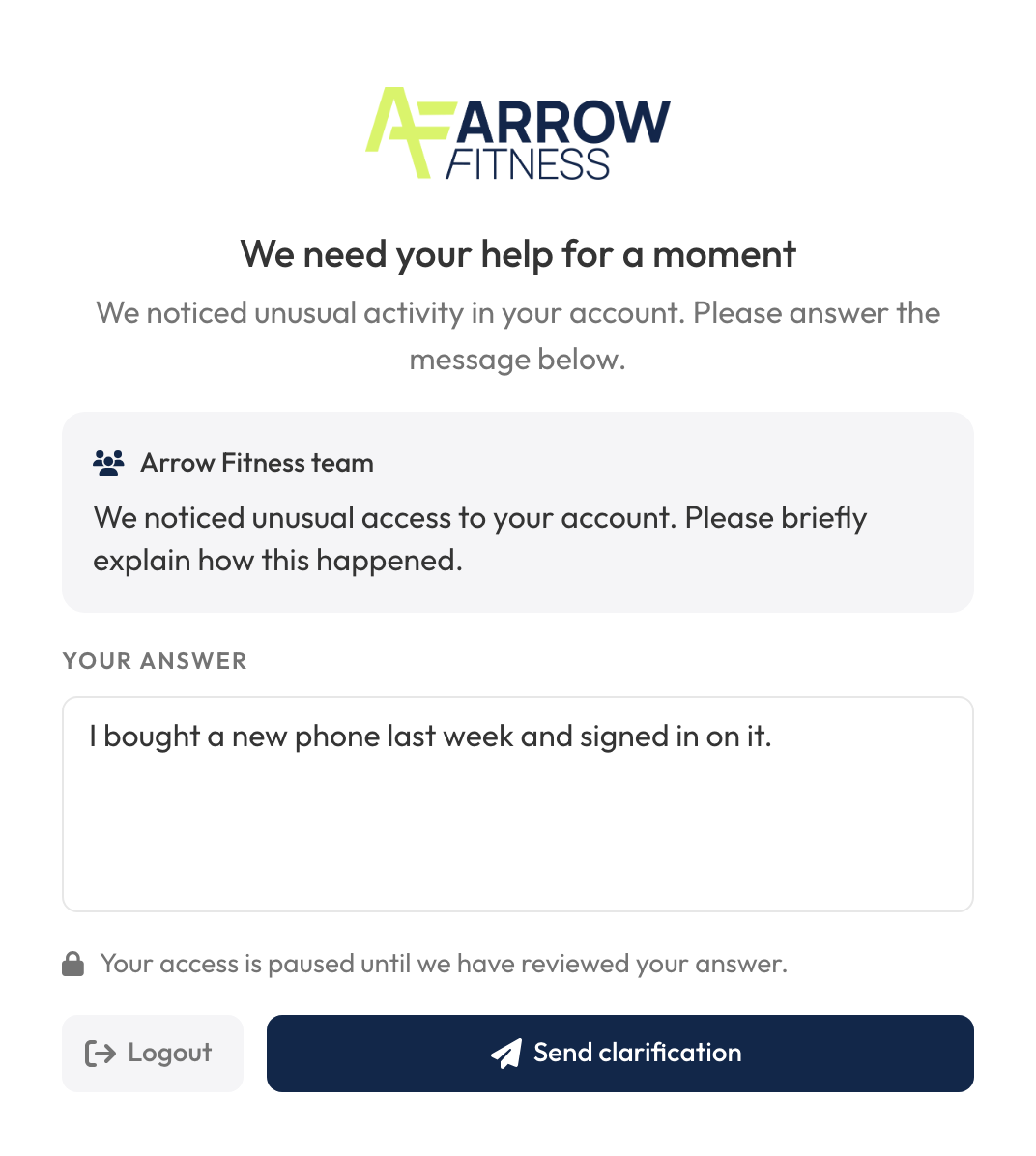
Not every anomaly is fraud. Often someone just got a new phone.
Instead of blocking right away, you ask. The member replies to you directly, and then you decide.
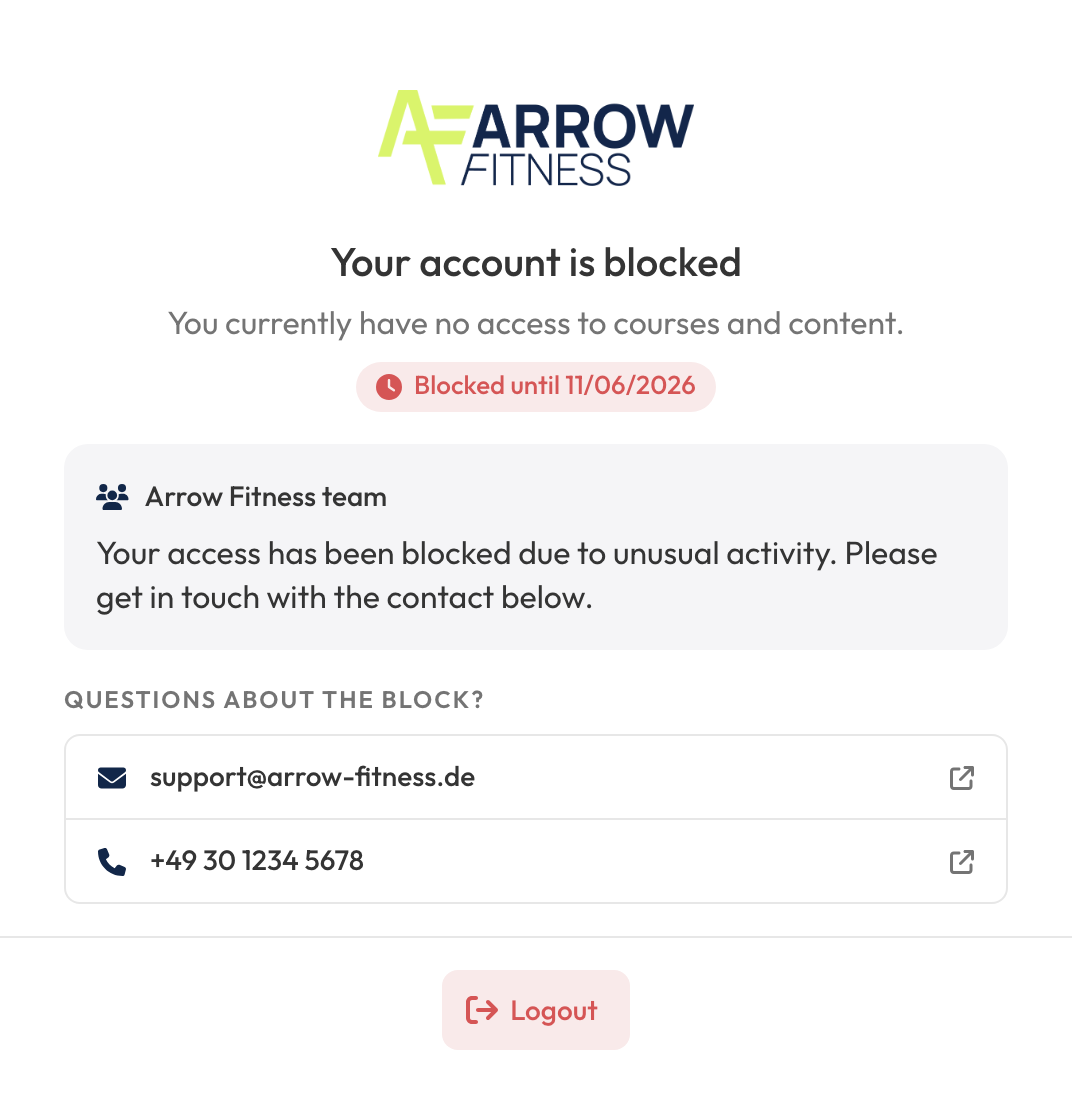
You don't block forever, only until a date you set.
The member sees right away why they're blocked, until when, and who to contact.
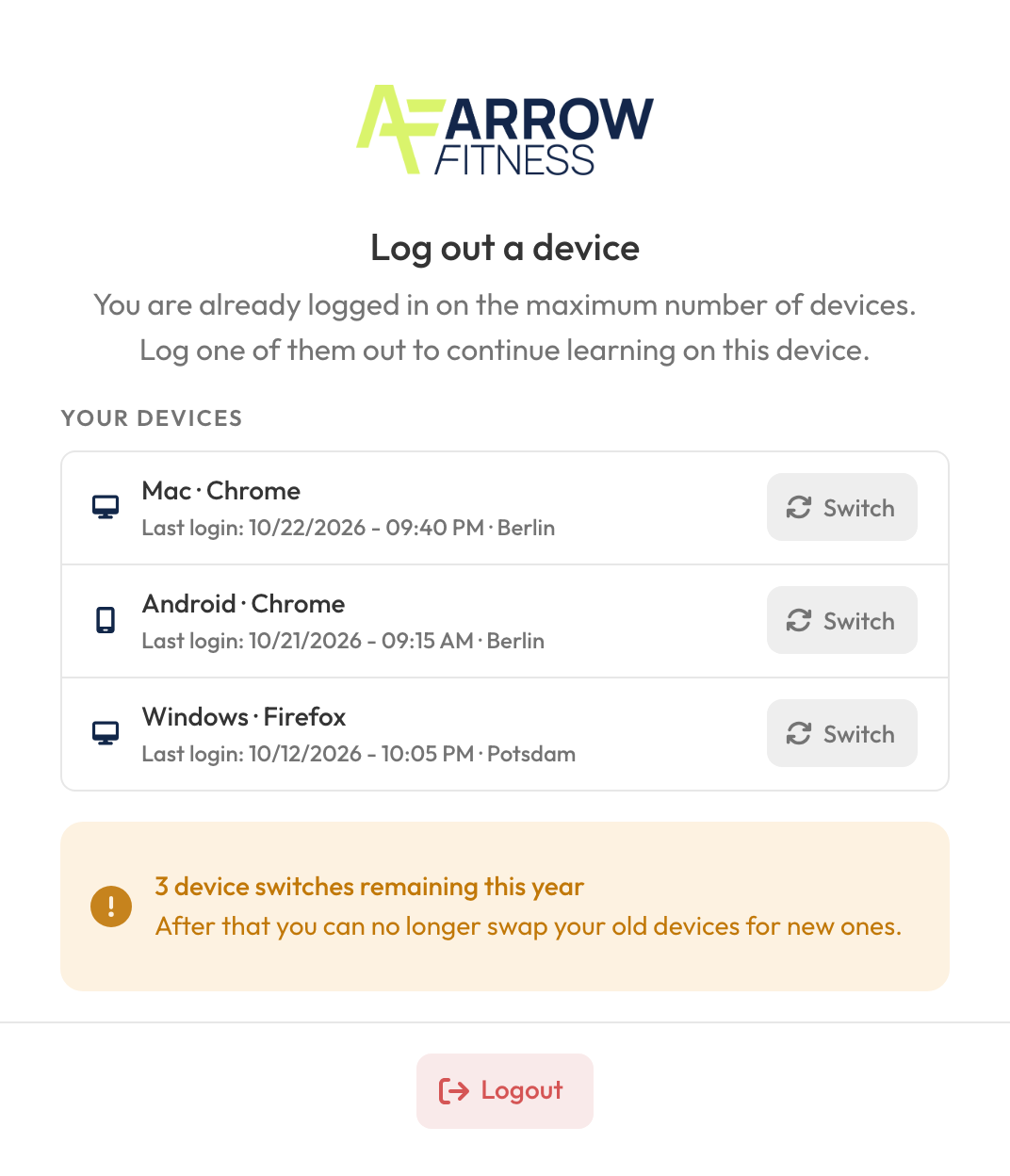
Members remove their old device themselves and keep learning right away.
Once all device switches are used up, just grant another one in the Review Center.
You can exempt members you trust from all checks.
In a demo call, we'll show you how the Guardian works on your platform.